
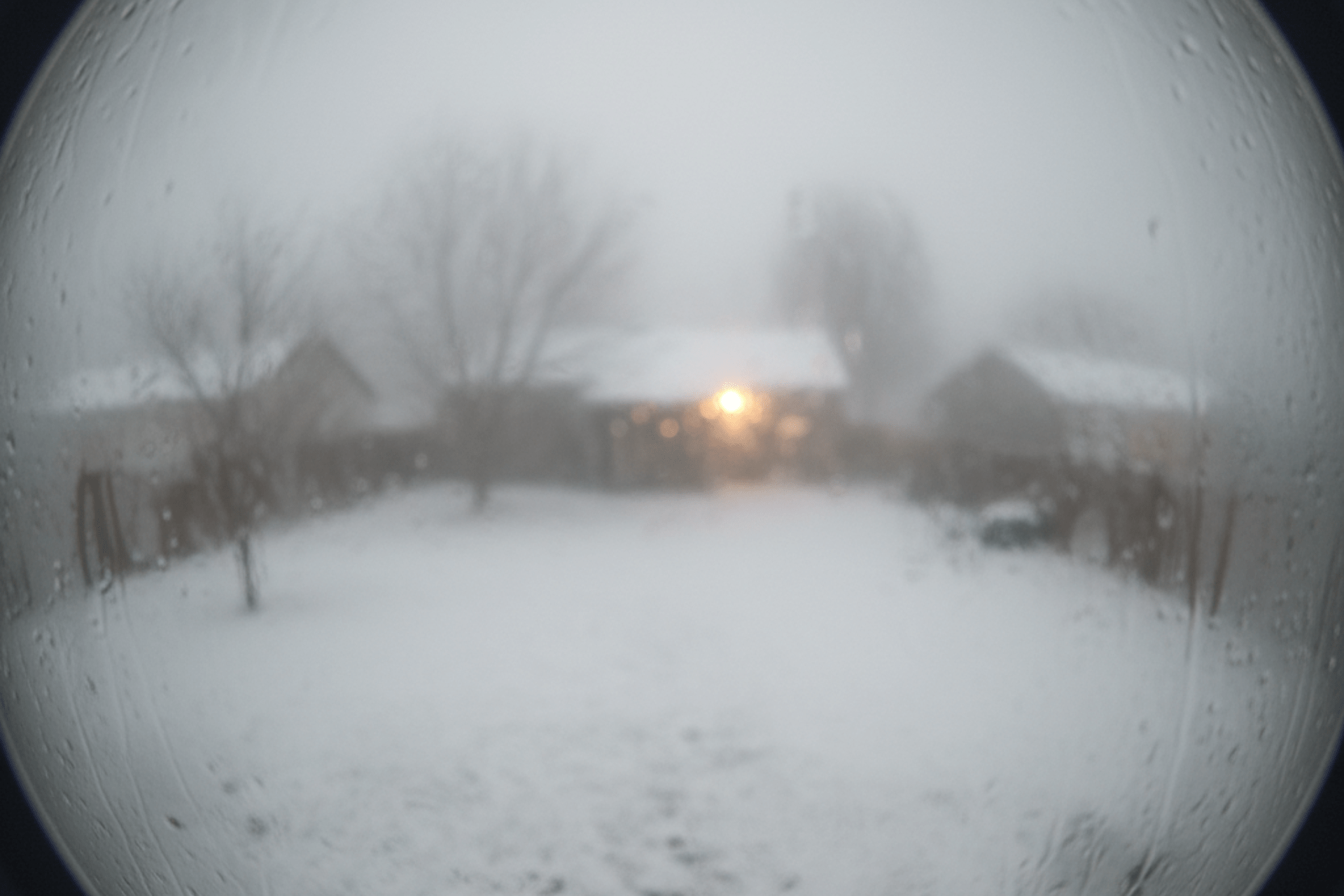
The crisp air and early sunsets of late autumn signal a transition that brings both seasonal charm and a heightened need for vigilance against intruders. However, as the long, dark nights of winter approach, a time of year that property crime often sees an uptick, it’s ironic that the very systems designed to protect us are facing their biggest challenge. CCTV systems aren’t immune to the cold.
Rain, frost, strong winds, and the extreme contrast between day and night temperatures place immense strain on lenses, electronics, cabling, and recording units. A seemingly small issue, like a loose connection or condensation on a lens, can mean the difference between crystal-clear evidence and a useless, blurred image when you need it most. Therefore, proactive maintenance is not just a suggestion; it’s an essential, non-negotiable step to ensure your security cameras remain sharp, reliable, and functional, guaranteeing your property stays protected throughout the highest-risk season.
What Winter Does to Your CCTV Systems
Understanding the specific threats winter poses is the first step in CCTV maintenance:
- Moisture & condensation: Rapid temperature changes between the cold exterior and the slightly warmer camera body can cause condensation and lens fogging, potentially leading to completely obscured footage. If seals are compromised, water can enter the housing and damage sensitive electronics.
- Darkness reliance: With fewer hours of daylight, your security cameras rely heavily on Infrared (IR) night vision. Any dirt or malfunction on the IR emitters will drastically reduce your system’s ability to capture clear footage in the crucial nighttime hours when crimes are more likely to be committed.
- Natural obstructions: Heavy rain, snow accumulation, and even falling leaves can physically block the camera lens. Less obviously, spiders are attracted to the small amount of warmth or light emitted by the IRs and love to spin webs directly over the lens, causing blinding reflections and triggering constant false motion alerts in the dark.
- Power instability: Winter storms bring high winds and power fluctuations. These surges or brief outages can easily corrupt data on your hard drive (DVR/NVR) or damage sensitive network components.
Physical & Visual Checks
These simple, practical steps focus on keeping the hardware of security cameras sound and the images clear:
- Clean the lenses and housing: Use a professional lens cleaner and a soft microfibre cloth to meticulously wipe down all camera lenses, removing dust, dirt, and water spots. Wipe the housing clean to prevent grime from running onto the lens later.
- Inspect seals and water resistance: Visually check all camera casings, brackets, and external cable glands. Look for any visible cracks or loose seals.
- Clear obstructions: Trim back any nearby tree branches, bushes, or climbing foliage that could sway in the wind, obscure the camera’s view, or constantly trigger false motion detections.
- Spider control: Thoroughly remove all cobwebs and insect nests from the camera housing and lens. This is a crucial step for preventing annoying night-vision interference.
System Integrity and Power Resilience
Your cameras are only as good as the system recording them. These technical checks focus on the heart of your security network:
- Inspect wiring and connections: For wired systems, check all external cabling for damage caused by weather or pests. Ensure every cable connection to the recorder (DVR/NVR) is securely seated and properly waterproofed to prevent connectivity issues.
- Verify backup power: If you use an Uninterrupted Power Supply (UPS), test it regularly. A functional UPS is essential to keep your recording unit running through short power flickers and allow for a clean shutdown during longer outages, protecting your valuable recorded data.
Performance Optimisation for Dark Nights
Since darkness sees an increase of security threats in winter, optimise your system’s low-light capabilities:
- Test night vision (IR): After sundown, check the live feed for every camera. Ensure the Infrared (IR) illuminators are working and providing even, clear illumination. Adjust the camera angle if you see too much reflective glare from nearby walls or objects.
- Coordinate security lighting: Verify that any motion-activated security lights are correctly aimed and sync up with the CCTV cameras. Better external lighting drastically improves the quality of the video footage captured at night.
- Software updates: Ensure your camera firmware and recording software are current. Updates often include vital security patches and technical improvements to low-light image processing.
CCTV Services in the South of England
Winter is the most challenging time of year for your CCTV system, and the time when you need its protection the most. Proactive maintenance is not a luxury—it’s an absolute necessity. By performing these physical and technical checks now, you minimise the risk of weather-related system failures and ensure your cameras deliver crystal-clear evidence whenever you need it.
While you may well feel comfortable in checking CCTV equipment for damage, and carrying out simple maintenance, to ensure your systems remain in top working condition, it’s always recommended to seek professional CCTV maintenance services from specialists. At First Contact Fire & Security, we not only install bespoke CCTV equipment, we also offer reactive and scheduled maintenance on all systems, whether we installed them or not.
For guaranteed performance this season, contact our expert team today to book a professional Winter Security Health Check for your CCTV systems.


02380 410 61002392 550 627
[email protected]